
Organizing Never Looked So Good!! Check Out Beautiful Calendar!!! #BeautifulCalendar #BlogsRelease
It’s no secret I love the feminine and frilly things, especially my yearly calendar. I may have to keep track of a ton of things on my calendar but it doesn’t mean it has to be boring!!
At one time everyone had a pretty calendar, now it’s getting harder and harder to find one that isn’t just a plain block of days! I would love it if you would check out Beautiful Calendar; combining a pretty look, organization and a modern twist.
This digital calendar will allow you to sync your Facebook events as well as your Google Calendar. Beautiful Calendar has a ton of other awesome features like being able to customize you hours time frame.
Do you need 15 minute intervals? Done! 30 minutes? Done. You decide. You can easily define the date as an all-day event if you would like. The ability to add your location event is AWESOME!!!!!
Even Facebook events are integrated. Still want more to love? Greeting Cards!!! Whatever the occasion with the click of a button you can send a heartfelt message. When you click on the link from the calendar a full selection of customized greeting cards will appear for you to send. You will never forget a birthday, anniversary or special event again!!
Now for the pretty part! There are several themes for your calendar including famous artist renderings, flowers, cats, dogs and even sports themes! Truly something for everyone. This particular calendar is my favorite:
.
Another perk that I truly love is the fact that the calendar shows up on my search homepage!
BC was started by a group of people in Tel Aviv who wanted to keep organized in style. The group has worked in the technology and internet industry for over 2 decades and has a large portfolio of successful apps and browser extensions. BC contacted the best artists and designers and asked them: What does a special day look like? As a result, BC has dozens of heartwarming themes to choose from.
What a beautiful EASY way to keep organized, and it’s always at my fingertips because BC syncs to all of my IOS devices including my iPad! I can check my calendar ANYTIME I want!
One of my favorite perks of the Beautiful Calendar is the fact it pops up when I turn on my computer and get ready to work. As a blogger I juggle a lot of due dates and BC keeps me right on track!
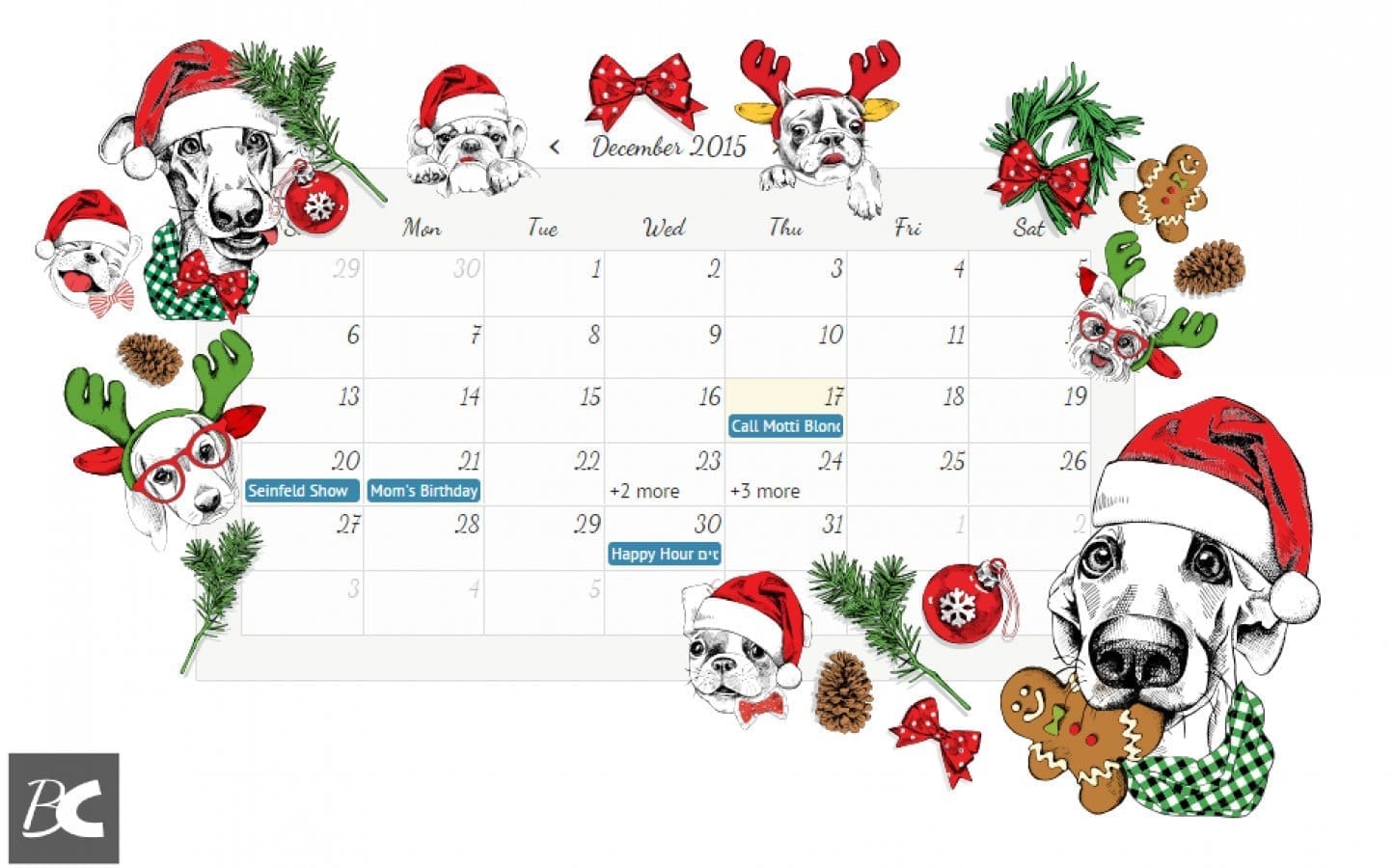
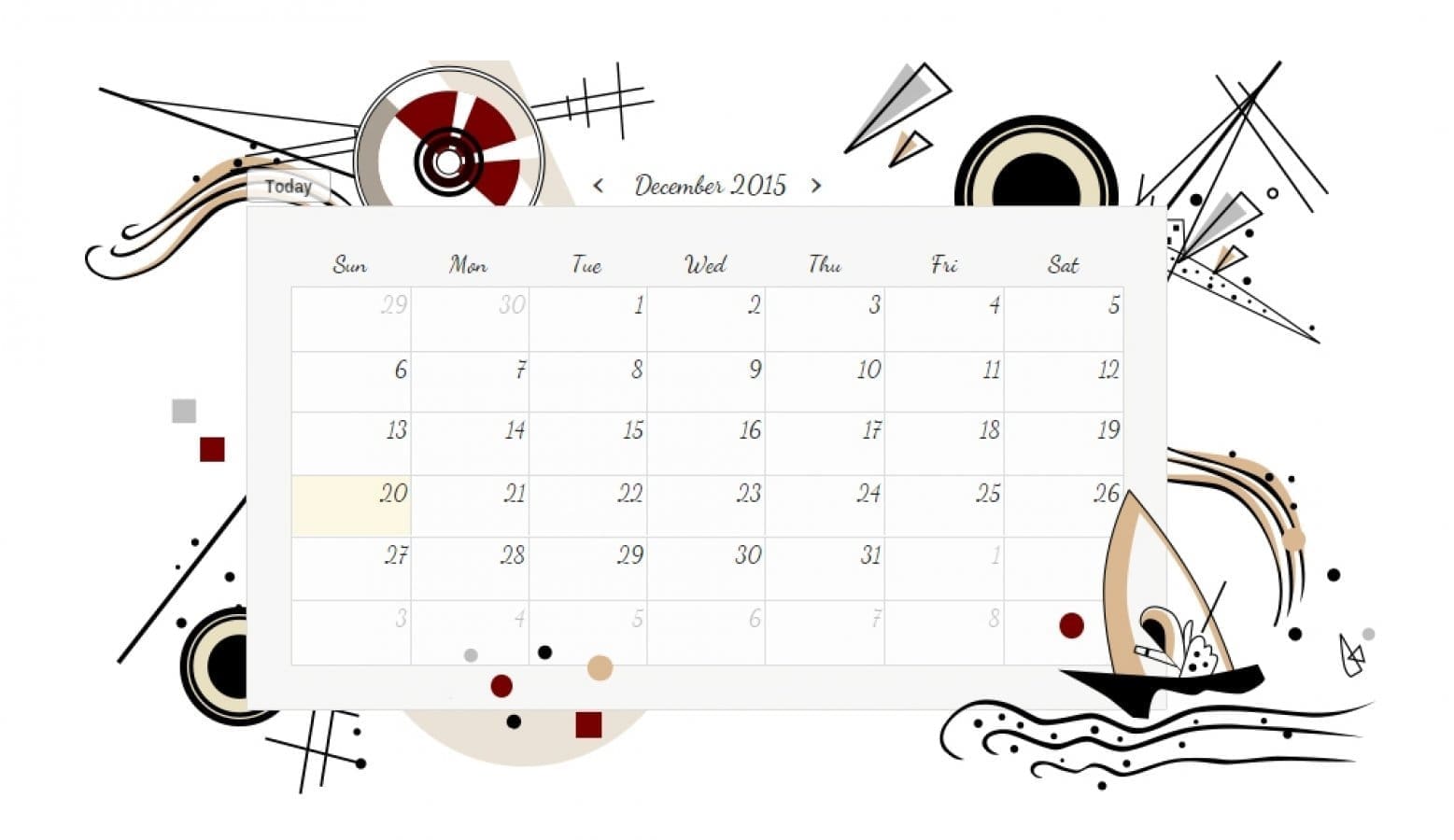
Another added bonus is that this calendar couldn’t be easier to use! Downloading was quick and seamless. Pick your calendar and start to work. Clicking a date allows you to schedule the event name, the time frame and even your time frame. Click add. Done! Don’t forget you are able to sync events from Facebook! Did I mention that BC adds all the holidays to your calendar!
Best part?? You know me I keep the best for last. Beautiful Calendar is TOTALLY FREE!!
WHINES
Only one, which really isn’t a whine for me, Beautiful Calendar is only available using Chrome. So for me personally, no whines. This is a pretty calendar for me to look at. The fact that when I turn on my computer it pops up means I am so much more organized!! And I look pretty darn smart for remembering all these birthdays, anniversaries and events.
Thank you Beautiful Calendar for this Review opportunity via BlogsRelease. All opinions are 100% my own.
This app is no longer available.
Hey, you could shop through my link on Walmart and grab a new calendar. There is also the current $50 Your Way Giveaway! Check the sidebar



5 Comments
Kate Sarsfield
I couldn’t use a ‘virtual’ calendar! I’m a list maker, paper list maker! If I can’t see it, hold it, turn the pages, then the information just doesn’t register!
Connie: The Head Peanut
I try and go digital. I really do, but every year I buy a paper one. It has notes and doodles too. Ya can’t do the doodles on a virtual calendar.
Joyce
Good ideas.
Sarah L
I got it and I like the flowers for it. Have to see how to sync it with other calenders.
Linda Manns Linneman
These calenders are so nice. I will have to check one out for my house