
Zedity A WordPress Plugin Review
Zedity
I have an interesting WordPress plugin to tell you about today. Zedity is a premium plugin that let’s you create interesting unique blog posts with ease. So, what exactly does the Zedity plug-in do? Well, basically it helps make a more interesting blog post for one.

I love that I can arrange the pictures to overlay if I want. I love that option.
Quickly create different text effects. I can drop in documents and videos. I can move, align, shift and so much more.
Once you download and install the plugin, an icon will show up on your editing bar. Clicking on the Fancy Z will open a pop-up screen that allows you to create your page. Saving will automatically place your work directly into your WordPress post.
I love that I can do small bits of my post OR the entire post. Once your Zedity objects are inserted you can easily move them around. Everything is saved as an object; so be sure to adjust your size by dragging the edges up or down to your desired size.
Zedity allows me to add even more fonts.
You can also remove the Zedity Logo if you would like simply by heading over to the setting page which is found on your blogs side menu.
Anytime you aren’t happy with what you’ve added to your post just click on the Z button on that particular object to return the editor. Super easy! If you decide you don’t want that particular object there is also a delete button on each object.
Zedity does have a learning curve but overall, I’m catching on fairly quickly. I’ve found Zedity useful and fun to use. I have not found that Zedity slows my computer down at all. I personally haven’t had any issues with this plugin.
What to try it out to see some of what Zedity can do?? Download the free version. The premium version starts at $39 for a personal license; premium gives you a year of free updates, standard support and all of the premium features.
WHINES
None. I like the creative freedom that Zedity gives me. The more I learn the more I’m impressed.
[ReviewDisclaimer]
I’m Dusting Off Old Posts So Google Notices Me Again
You know that awkward moment when you run into someone you used to talk to every day and they clearly don’t remember your name? That’s basically my relationship with Google right now. So I’m fixing it. 🧹
Lately, I’ve been wandering through my older blog posts like a librarian with a red pen, updating headlines, polishing keywords, and gently reminding Google that yes, I’m still here and still weirdly productive. Updating old posts for SEO is like changing the batteries in your smoke detector. Nothing flashy, but suddenly everything works better.
I’m tightening things up, adding clearer headings, improving readability, and sprinkling in relevant links where they actually make sense. Not keyword soup. Not robotic nonsense. Just good content wearing better shoes.
Speaking of links, if you’re curious why this matters, Google itself has a surprisingly helpful guide on how search works. It’s worth a peek if you like knowing how the internet’s brain ticks.
And while you’re clicking around, this is also me casually pointing you to an internal post or two that needed a glow-up anyway. Old posts deserve love. And traffic. Mostly traffic.
Oh, and if you spot mentions of my monthly $50 Your Way giveaway, that’s not an accident. You’ll find that happy little temptation living in the sidebar. PayPal, Venmo, or gift card. Your choice. Every month. 🎉
So if things look a bit fresher around here, that’s me courting Google with better SEO and a side of charm. Wish me luck. And maybe click something while you’re here.
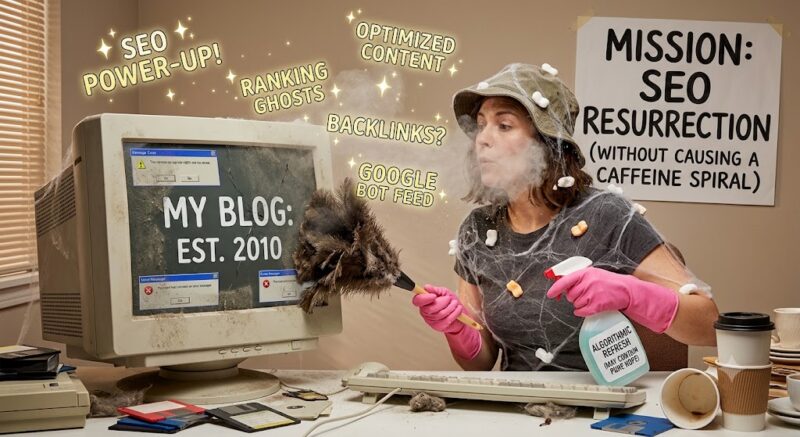
I’m Refreshing My Blog (and Exorcising Some Digital Ghosts)
Updating old blog content is like digital archaeology—except I’ve unearthed a full-on resident spirit: The Ghost of Peanut Butter and Whine.
This digital poltergeist has been causing absolute chaos behind the scenes. If things look a little haunted around here, here is the proof:
- The Vanishing Act: The ghost keeps deleting my best images and video tutorials, leaving behind sad, empty boxes.
- The Link Graveyard: It’s been sneakily stripping away my trusted brand partners and replacing them with sketchy “AI Crypto” links.
- Font Sabotage: Apparently trapped in 2001, it keeps reverting my clean layout back to “Geocities-era” antique fonts.
My 2026 Blog Refresh Plan
To banish these spirits and keep my traffic climbing, I’m launching a step-by-step exorcism plan:
- Exorcise the 404s: Running a broken link checker to track down every dead end and missing image.
- Modernize Recommendations: Swapping out outdated products for my absolute 2026 essentials.
- SEO Deep Clean: Refreshing metadata and strategically placing focus keywords.
Stick Around Please!
Don’t let this be a “one and done” visit. While I’m cleaning house and banishing spirits, check out these (very much alive) links:
Winner Winner Chicken Dinner: Check out the sidebar for my current giveaway. I promise this one is fully alive, kicking, and ghost-free!
Earn Cash: Some things never go out of style. Rakuten still pays you to shop, and in this economy, who is turning down free money?
Hey, while you are here you could shop through my link on Amazon, or Walmart.



One Comment
Mario Palumbo
I am glad you like it, because my fancy Z icon does not even sow up!